.png)
Great Content Does Not Come from a Studio. It Comes from Recordings That Work the First Time.
Many creators think that all they need is a microphone. But anyone who has actually produced content knows the real time killer is not writing. It is recording for thirty minutes and then discovering that the audio is inconsistent, noisy or clipping — and having to do it all over again.
Content creation is different from live stage production. A stage needs stability in the moment. Content creation needs quality that works on the first take and does not require endless post-production. Different creation workflows have different audio problems.
What Content Creators Are Really Dealing With
1. Solo recording at home: podcasts, short videos and online courses
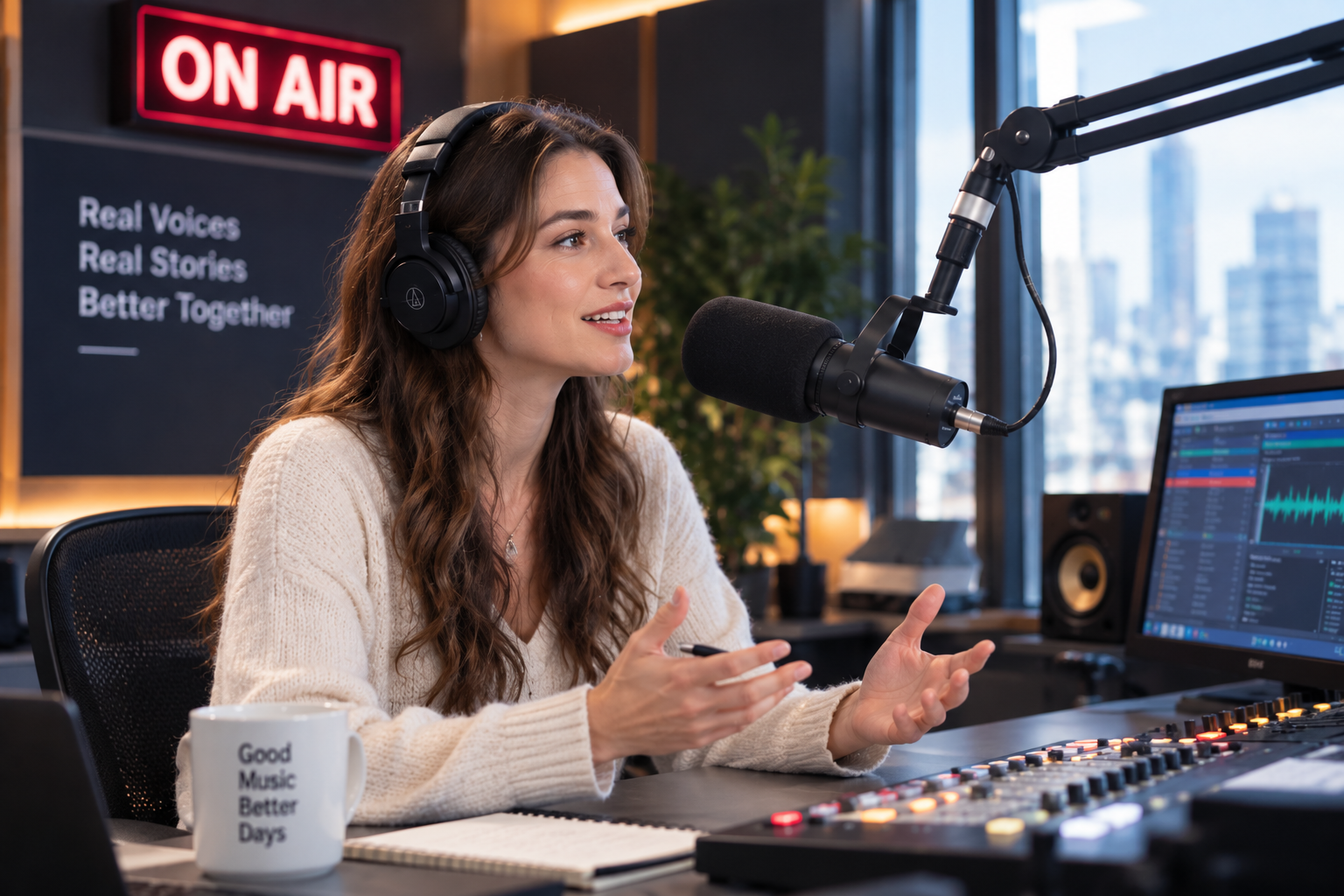
The most common problem is that creators talk while operating a computer, moving papers, checking a teleprompter or demonstrating something. A fixed desktop microphone can sound excellent, but it locks the creator in place.
2. Interviews and livestreams with two or three people
For interviews, live streams and roundtable discussions, the real challenge is that everyone speaks and everyone moves. With one microphone, guests have to pass it back and forth. With too many wired microphones, the table becomes a mess.
3. Trade shows, live events, field interviews and multi-guest shows
Event environments are unpredictable. There is air conditioning, crowd noise, stage audio and interrupting voices. The interviewer also has to move, leave the frame and manage multiple guests. What is needed is not just one good microphone, but a stable wireless system.
How to Configure by Content Type
Solo creator / streamer
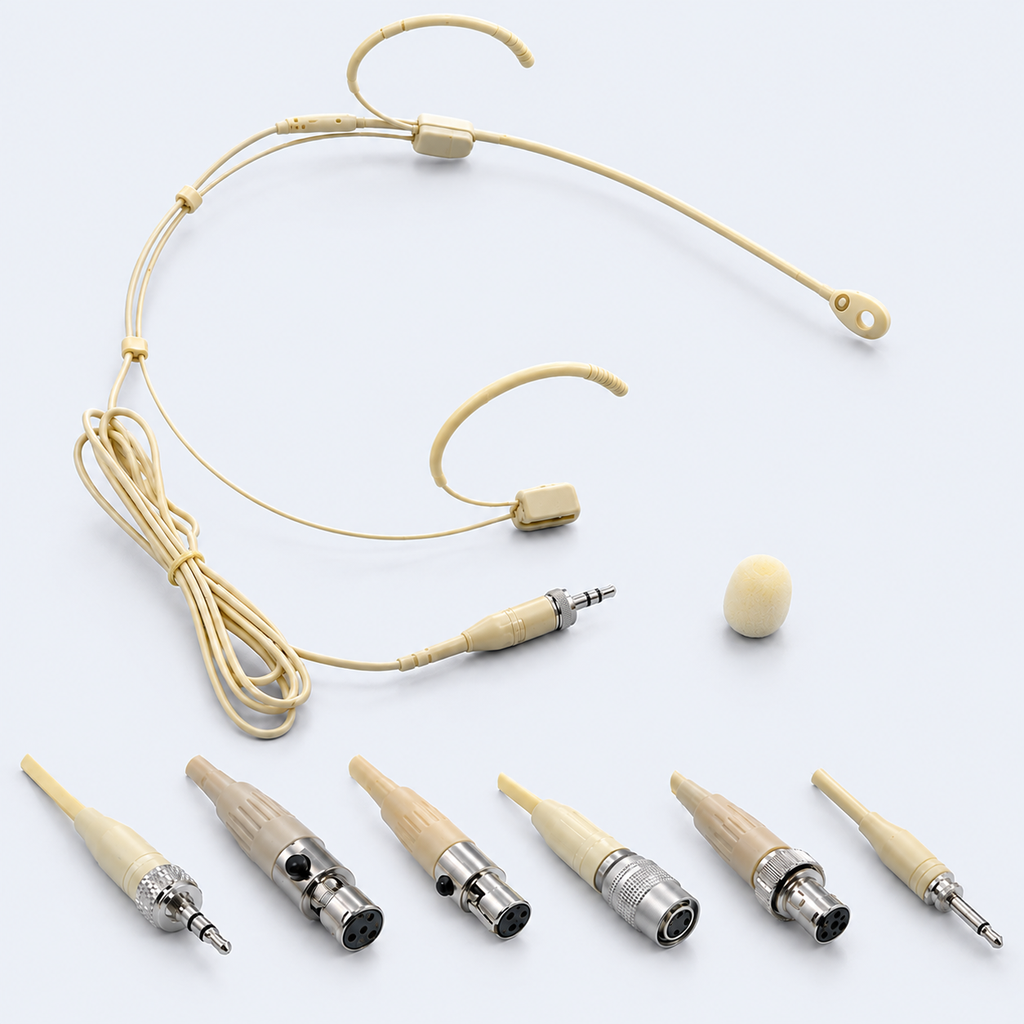
Start with a hands-free headset microphone. The MiCWL Beta-CC Beige Cardioid Headset Mic keeps the pickup consistently close to the mouth, so the creator can operate a computer, use a teleprompter, hold props and demonstrate tools without the voice changing. It is compatible with common Shure, Sennheiser and AKG systems, and keeps the frame clean.
Two-person interview / small livestream
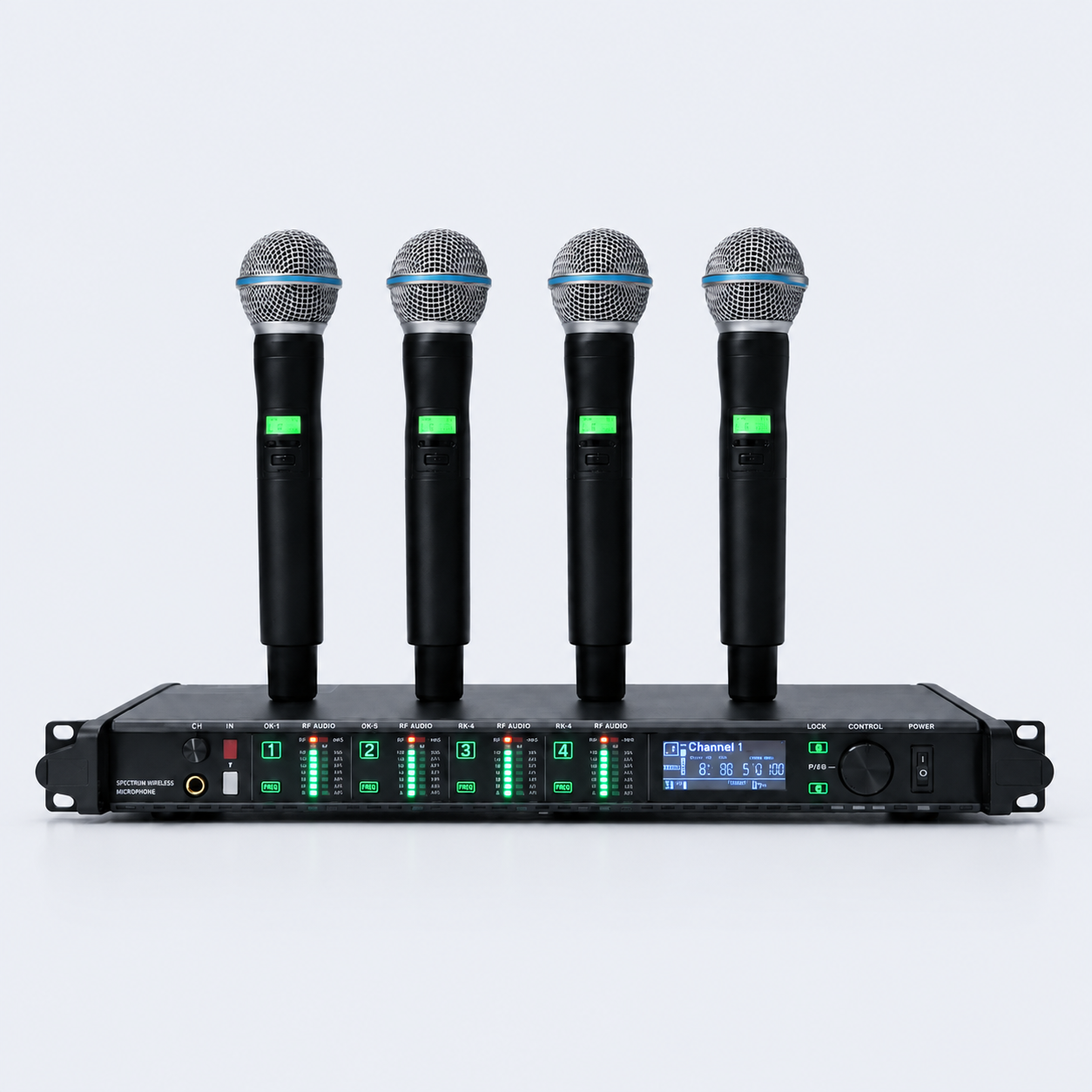
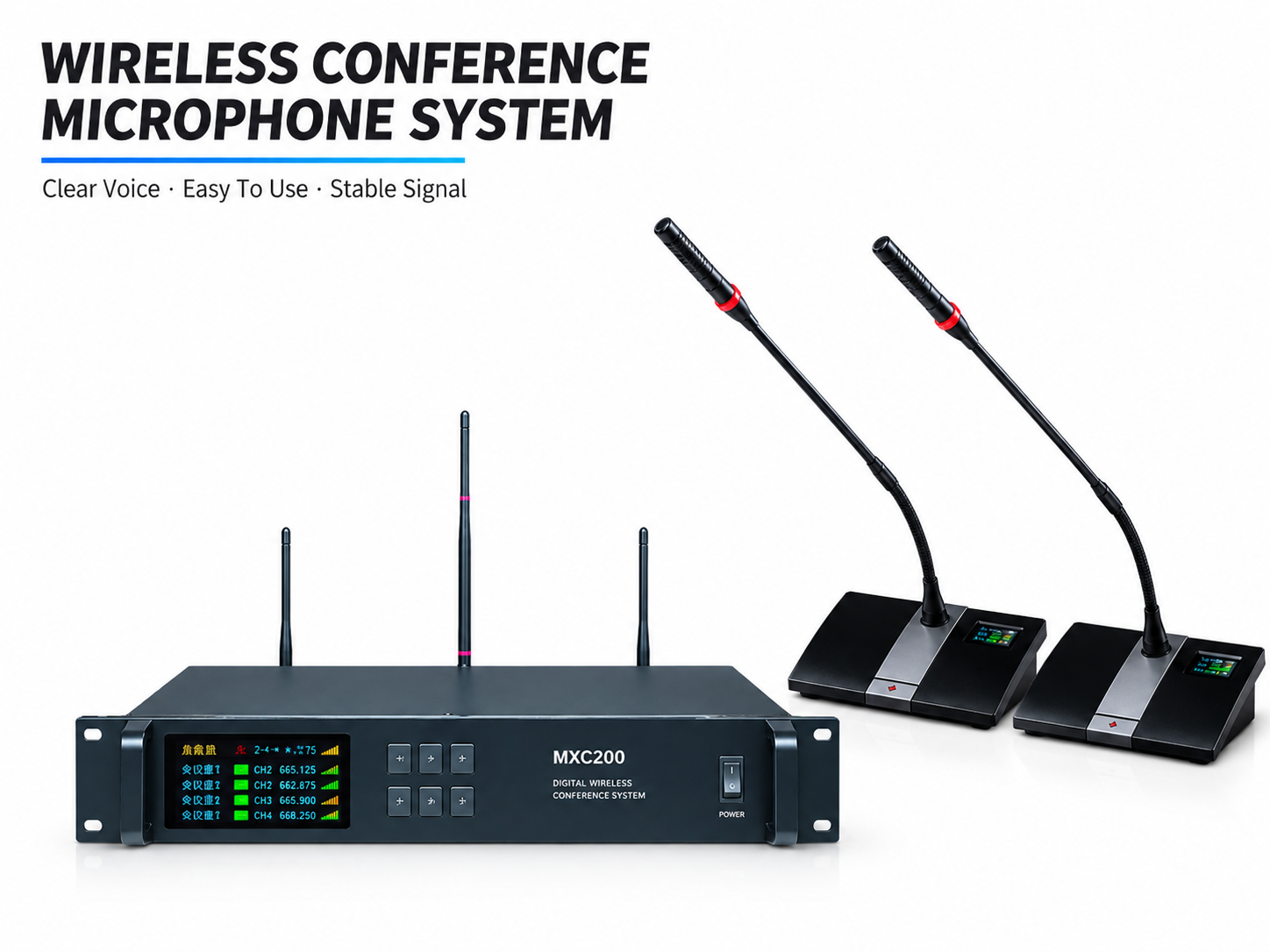
The AD4Q 4-Channel UHF Wireless Microphone System suits two-person interviews, small livestreams, online education and corporate training. Four microphones share one receiver, so guests do not need individual cables. The table stays clean and the video looks better.
Multi-guest shows / trade booth interviews / touring content
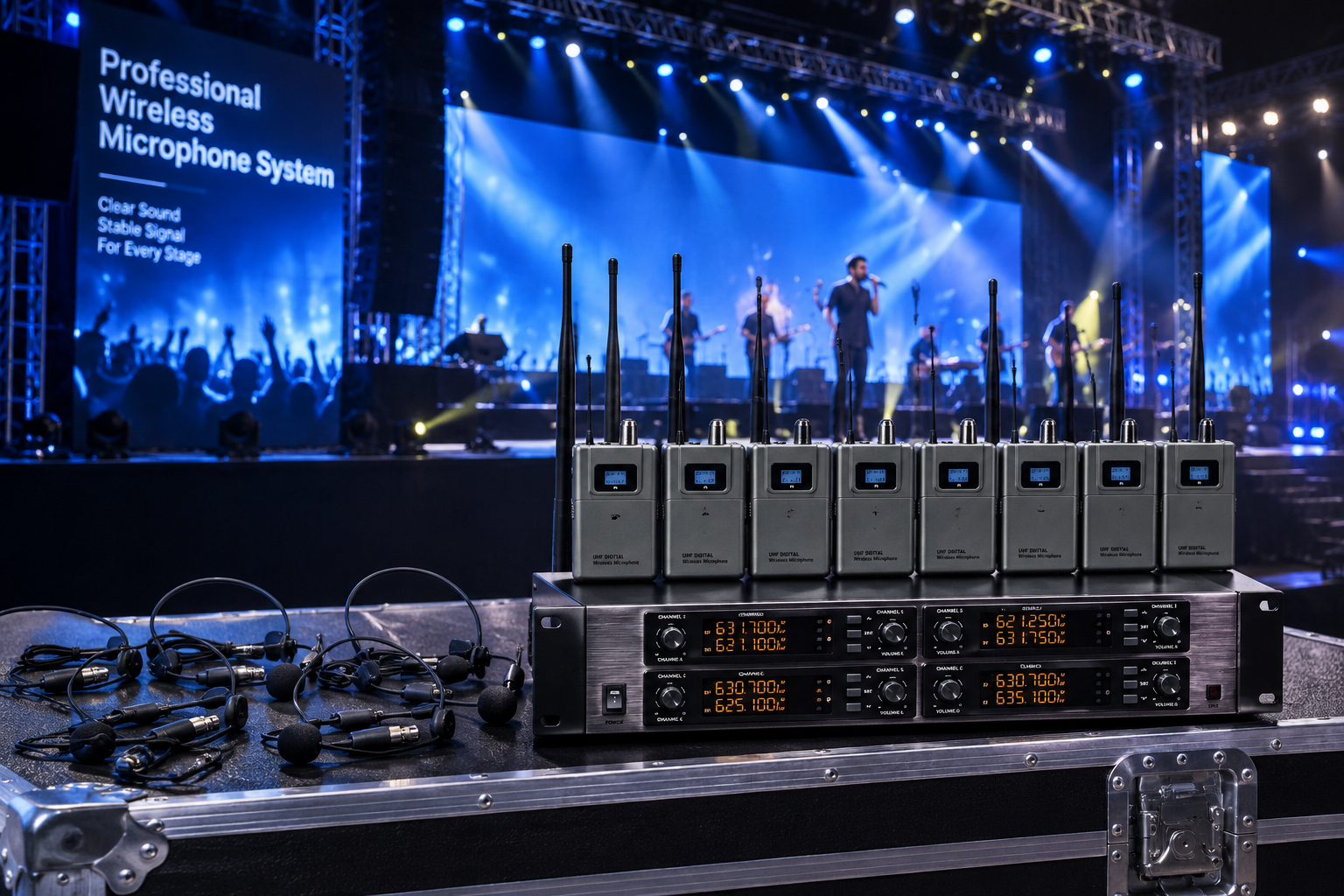
The D3900 8-Channel Digital UHF Wireless Headset System suits multi-guest programs, exhibition interviews, event broadcasts and conference streaming. One rack unit manages multiple audio channels and offers 400 selectable frequencies, which reduces interference in busy environments with many devices.
When live playback or reinforcement is needed
If a content studio or trade booth needs playback, reinforcement or monitoring, the FP-7000 2-channel professional digital power amplifier offers four selectable power settings from 2600W to 4800W. It suits small content spaces, exhibition booths and live events.
Reference pricing: Beta-CC from $25.99 · AD4Q from $388 · D3900 from $999 · FP-7000 from $199. Wholesale pricing is available for bulk orders.
Four Questions to Ask Before Buying
-
Do you have a fixed studio, or do you move around?
A fixed room can prioritize sound quality. Mobile work requires wireless, portability and stable wearing comfort. -
How many people speak at the same time?
For one person, one headset microphone is enough. For group shows, plan the channel count around the largest number of simultaneous speakers. -
Do you need live reinforcement or playback?
If you use booths, events or live demonstrations, you need an amplifier in addition to microphones. -
What equipment do you already own?
A headset microphone must match your existing wireless system. Confirm the receiver connector before choosing a model.
Practical Setup for Filming and Streaming
Position matters
The headset pickup should point toward the mouth, not get tucked into clothing. If it is too far away, the voice sounds thin. If it is too close, plosives can become harsh. Spend five minutes testing positions at the first use.
Gain is not about turning everything up
Many creators turn the gain all the way up because the voice seems quiet. In reality, noise rises faster than the voice. Set the gain at normal speaking volume first, then adjust the final level in the recording software or mixer.
Handle the room before you start
Turn off air conditioning, fans and phone notifications before recording or streaming. If the room is too reflective, add a rug, curtains or soft panels. A wireless solution does not remove room noise, but it gives you more freedom in placement.
Charge wireless microphones before every session
A dead wireless microphone is worse than a slightly less impressive one. Check batteries before recording and always keep a spare battery or spare transmitter.
Keep the frame free of wires
The real benefit of a headset mic with a wireless bodypack is a clean picture. Keep cables away from the camera so the audience focuses on content, not on gear.
Frequently Asked Questions
Do podcasts always need a wired microphone?
Not necessarily. For a fixed desk setup, a wired microphone can offer excellent sound. If you move, demonstrate, use a teleprompter or film video, a wireless headset is more practical and natural.
How should a multi-person show choose equipment?
Choose according to simultaneous speakers. For two people, AD4Q works well. For multi-guest, exhibition and event interviews, D3900 is recommended.
Why does my recording have background noise?
Common causes are excessive gain, room noise, loose cables, damaged connectors or weak RF signal. Lower the gain, improve the room environment, then check the connections.
Will wireless microphones have noticeable latency?
Professional UHF wireless systems designed for live and recording use have very low latency that is not noticeable in normal content production. Good frequency management and a reliable receiver matter more than worrying about latency.
How many systems does a content team need?
At least one fixed studio setup plus one portable wireless setup. For events and livestreams, keep a spare transmitter ready.
How to Get a Quote
If you need a content creation audio package, please tell us:
- Main use: podcast, livestream, short video, online course, exhibition interview or live event
- Fixed studio or mobile production
- Typical number of simultaneous speakers
- Whether live playback or reinforcement is needed
- Your existing equipment brands and connectors
We will recommend a configuration based on your actual production workflow, not just the largest device on the page.